Human approval is structural
Suggestions do not silently mutate the board or design system.
A human-led creative workspace that turns briefs and evidence into directions, decisions and a traceable design system.
Product concept, UX/UI, React development and WebMCP tool design.
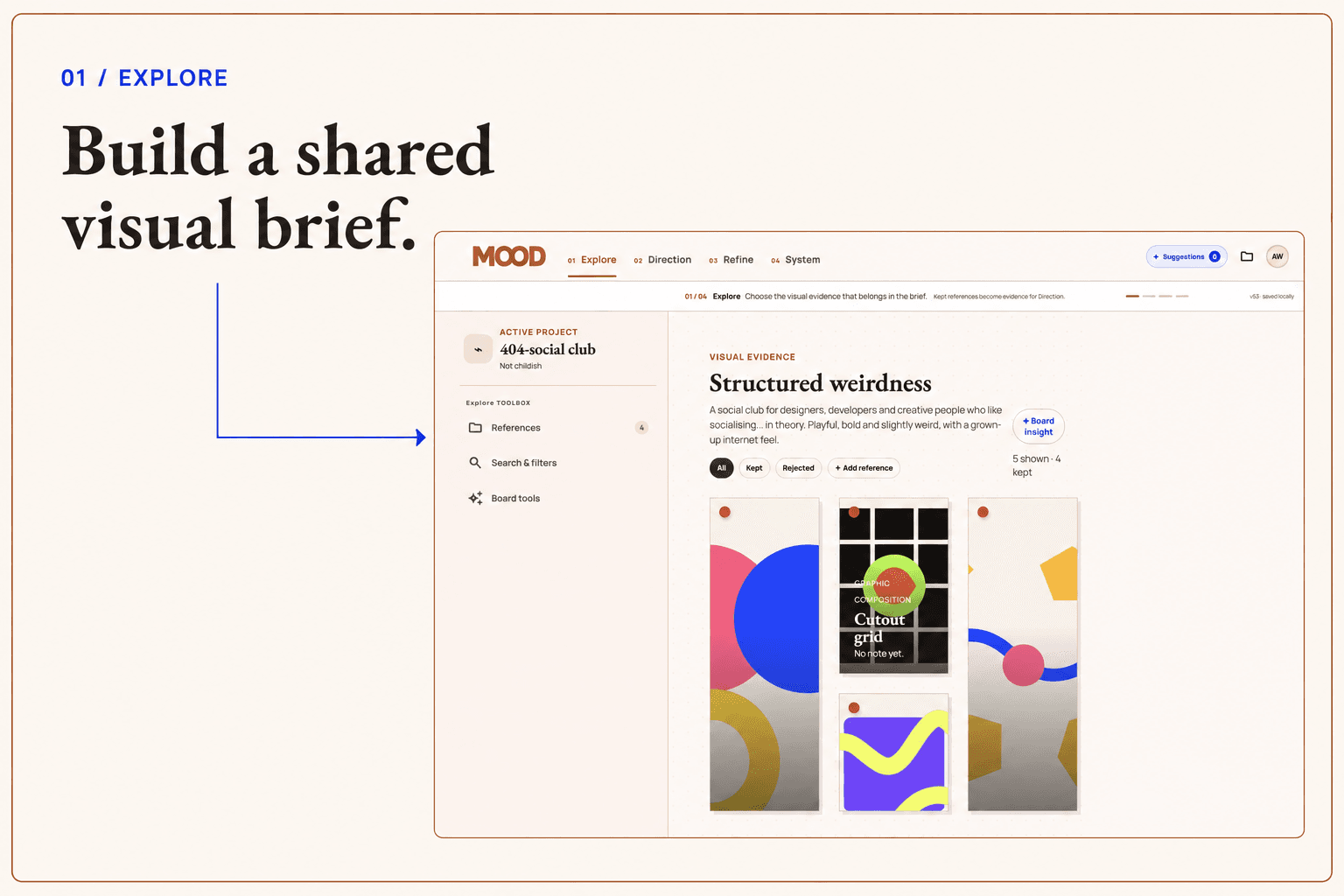
MOOD was my first project built around MCP: the interface and the agent work with the same project state and the same bounded actions.
The product protects the parts of creative work that require judgement. AI can inspect context, surface references and propose changes; a person reviews, applies or rejects every meaningful decision, with provenance preserved across the workflow.
Suggestions do not silently mutate the board or design system.
References, rationales and source relationships remain visible as a direction develops.
The visual UI and MCP tools operate on the same validated product model.
The primary flow moves from source material to direction, refinement, system and output without collapsing creative work into a chat box.
Collect the brief, constraints and references before generating a direction.
Compare coherent routes, then make deliberate colour, typography and component decisions.
Turn approved choices into traceable tokens and a live result that stays linked to its source.
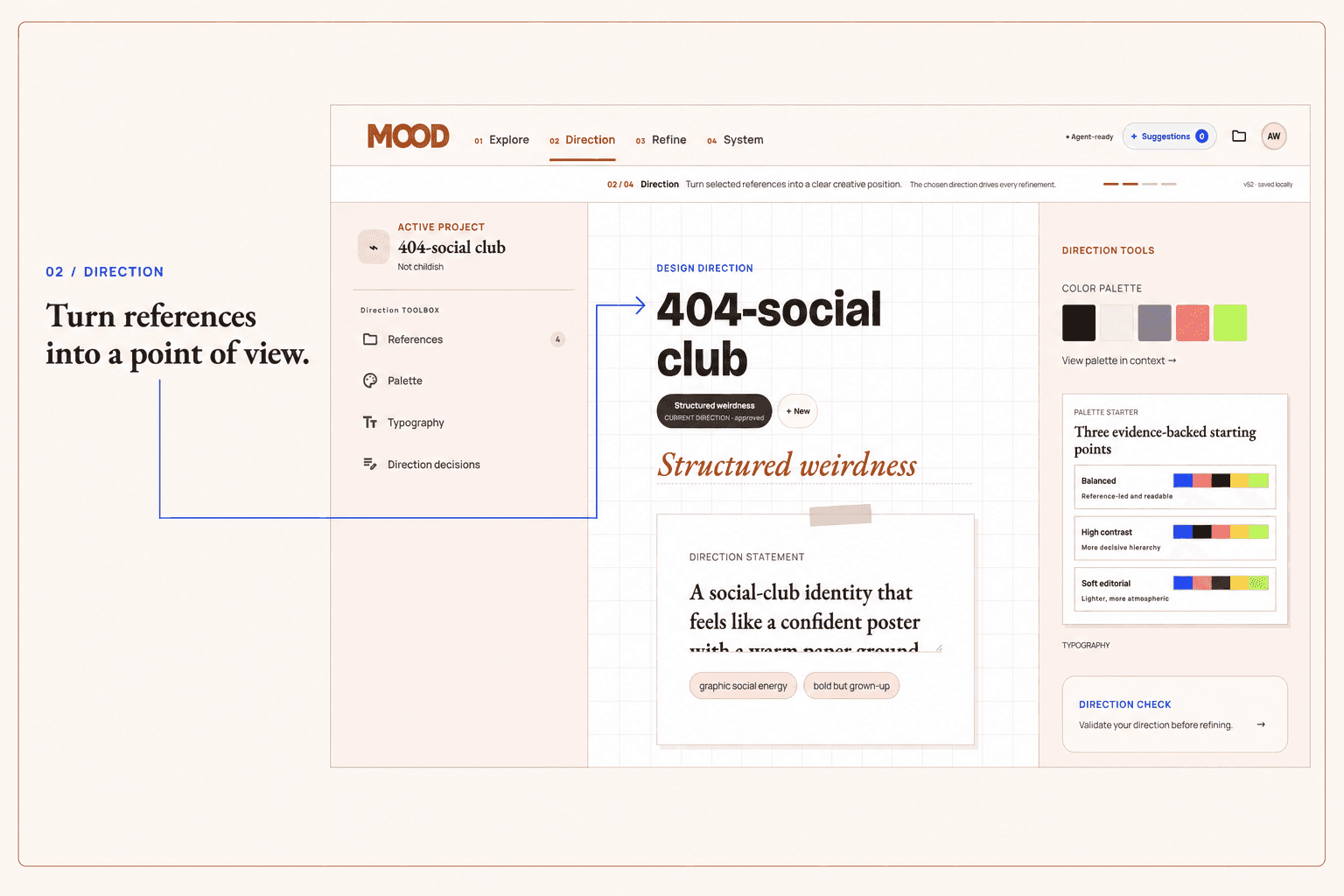
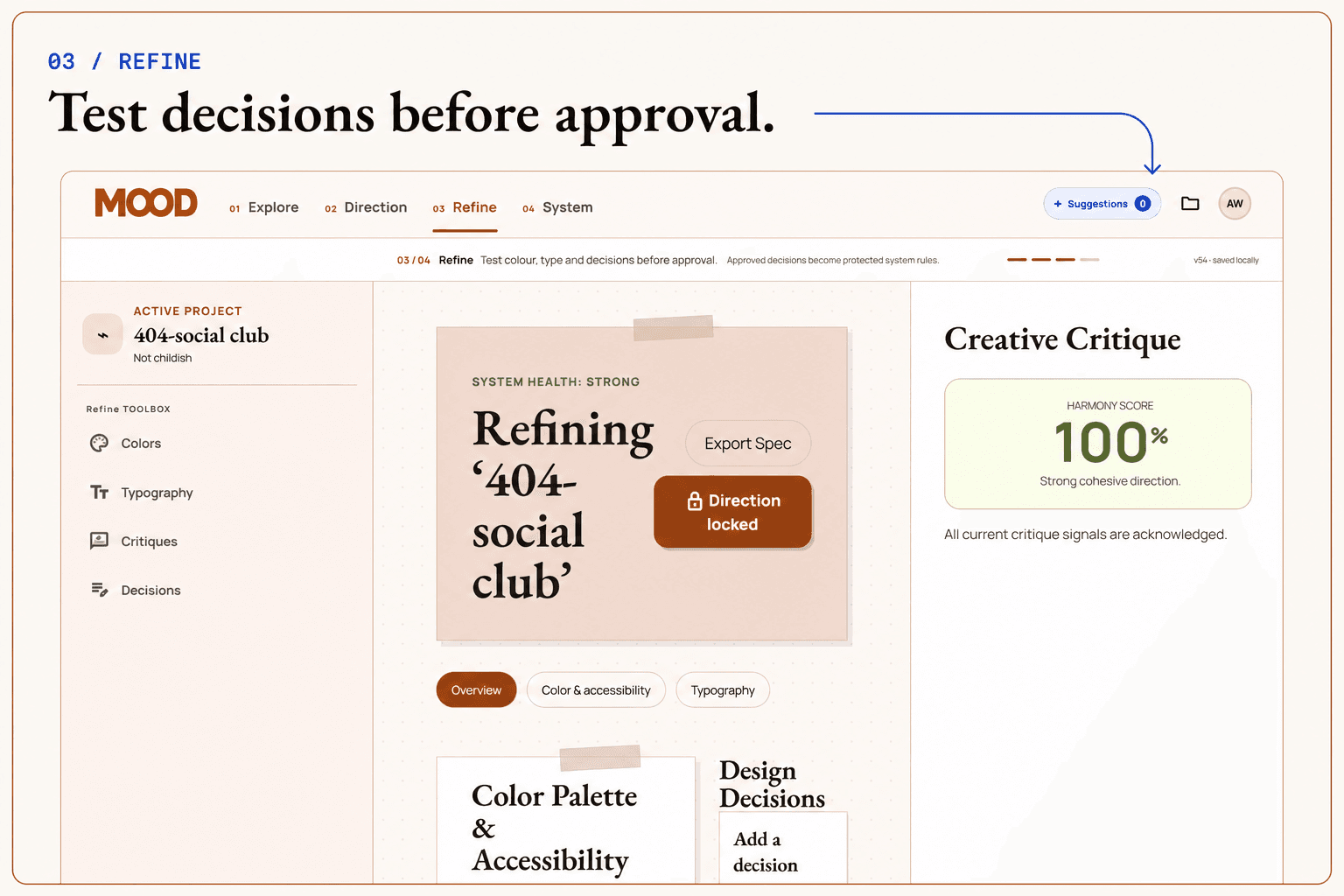
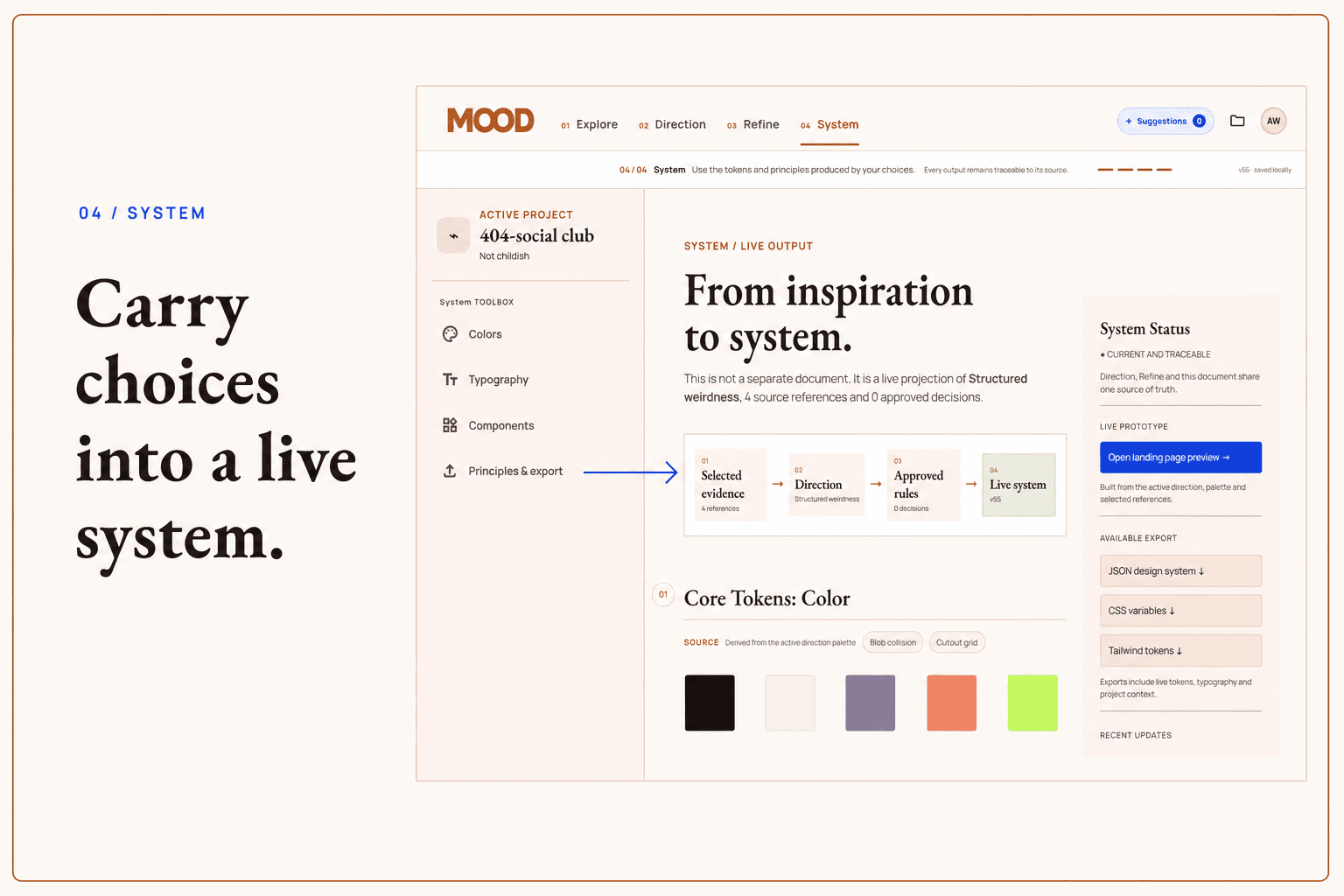
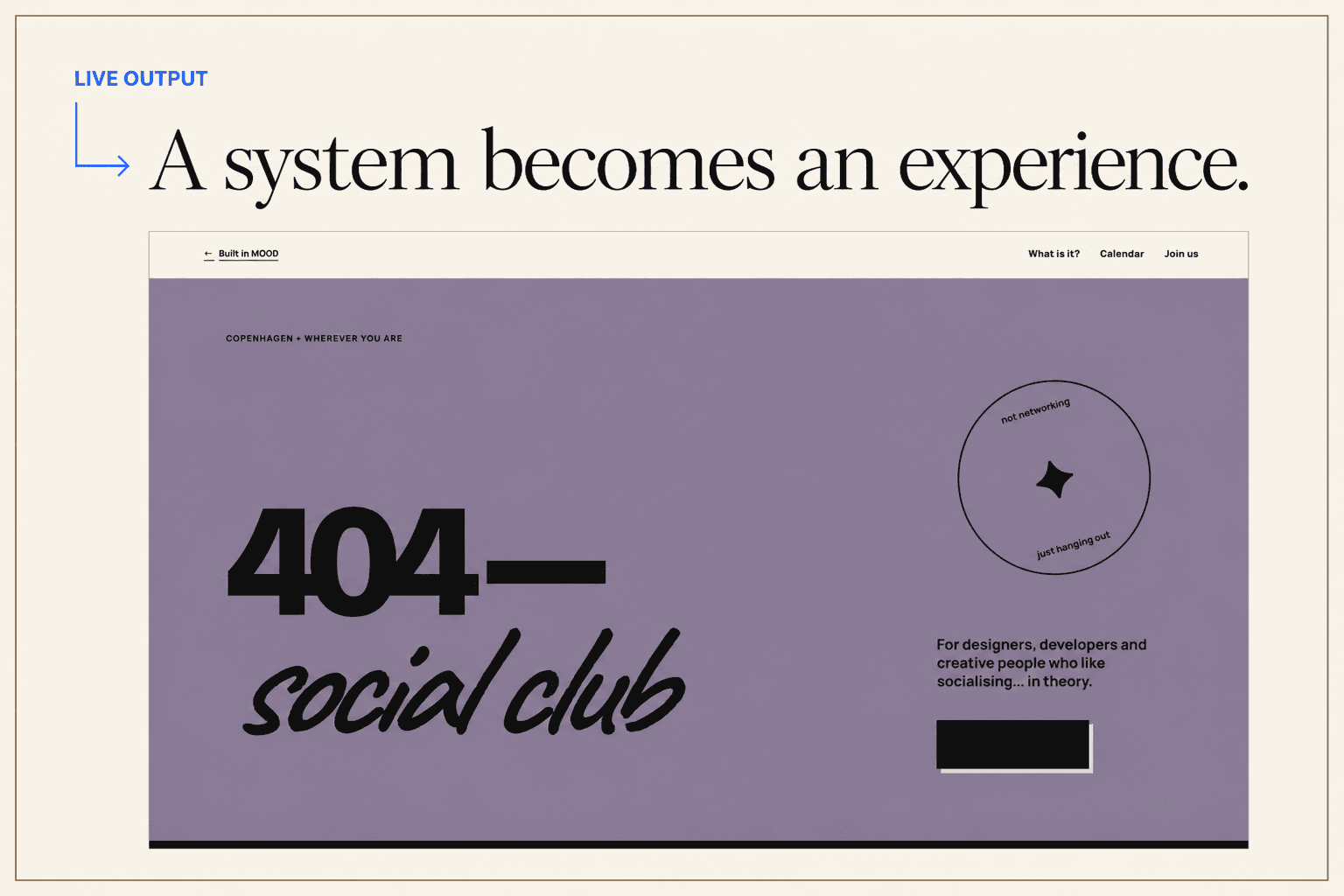
Warm paper and terracotta establish a physical studio mood; cobalt identifies agent and digital actions; olive grounds the working chrome.
The React application uses a shared Zustand state model, Zod validation and registered WebMCP tools. Agent actions are deliberately bounded so automation can extend the interface without bypassing user control.
First MCP project
MOOD turns control, provenance and reversibility into interaction design rather than policy text.
Next: Development →